About • Privacy-first • Free forever

About FreeQRHub Built for clean, reliable QR codes

FreeQRHub was built to make QR code generation simple, fast, and practical. No signup, no watermark, no clutter — just a clean tool that helps people create QR codes that look good and actually scan.

Why FreeQRHub exists

FreeQRHub was created to remove friction from QR code generation. A lot of tools are overloaded, gated behind signup screens, or add watermarks unless you pay. This project takes the opposite approach: make it fast, useful, and easy to trust.

That means browser-only generation, clean downloads, practical customization, and guidance that helps people use QR codes well in print, signage, menus, events, packaging, and everyday business workflows.
FreeQRHub hero preview showing QR creation on mobile and desktop

What makes FreeQRHub different?

Privacy first

QR codes are generated on your device in the browser. Your content is not uploaded as part of the generation process.

Free forever

No accounts, no subscriptions for the core tool, and no watermark added to your QR exports.

Pro output

Export SVG for print, PNG for screens, and customize colors, shapes, eyes, and logo overlays for branding.

Useful beyond the tool

The site also includes practical guides for print sizing, scanability, safety, accessibility, and real-world use cases.

Who’s behind it?

Portrait of Ben Treder

FreeQRHub is created and maintained by Ben Treder, a designer-developer focused on useful, fast, privacy-respecting web tools.

More at BenTreder.com and ChronicHacker.com.

Popular ways people use FreeQRHub
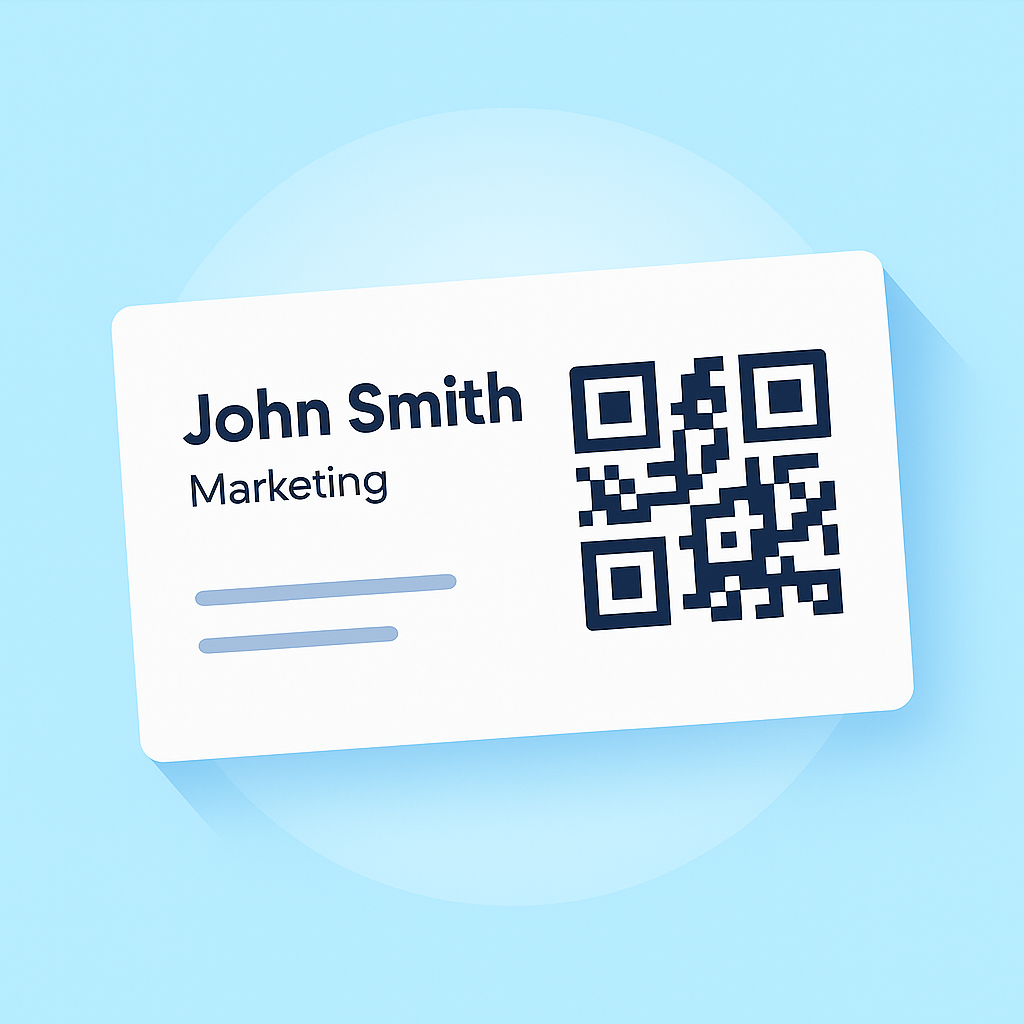
QR code on a business card
Business cards, portfolios, vCards, and booking pages.
QR menu and signage example
Menus, signage, table tents, and hospitality flows.
QR code for event check-in
Events, check-in, ticket lookup, and lead capture.
Wi-Fi QR sharing example
Guest Wi-Fi cards and quick network sharing.

Milestones

  • 2025 — Public launch with PNG and SVG export, custom colors, shapes, finder-eye styles, and logo overlays.
  • 2025 — PWA support added for installable app-like use.
  • 2026 — Site-wide refresh focused on stronger SEO, better UX, and more practical QR guidance.

Support & feedback

The best way to support FreeQRHub is to share it with businesses, creators, schools, events, and anyone who needs a clean QR tool.

FAQ

Do you store what I type?

No. QR generation happens in your browser and your content is not uploaded as part of the process.

Can I use FreeQRHub for business?

Yes. It works well for menus, business cards, signage, events, packaging, and other commercial uses.

Which format should I download?

Use SVG for print and signage. Use PNG for websites, documents, and quick sharing.

Why FreeQRHub exists

FreeQRHub was built for people who need practical QR codes without extra friction. Many users just need a clean code for a menu, review card, WiFi sign, business card, flyer, or document. The goal is to make that simple while still offering helpful guidance for better scans and print results.

Practical guide

About FreeQRHub: what this page helps you do

This page is written for people who need a QR code that works in the real world, not just a quick graphic that looks good on a screen. It focuses on free QR code generation, practical business use, privacy-first tools, print guidance, and beginner-friendly workflows.

A useful QR code should have a clear destination, a clear reason to scan, and a layout that works on the device and material where people will actually use it. The best QR code pages combine the generator with practical instructions, testing steps, and examples that help users avoid wasted prints or confusing scan experiences.

Before you create the QR code

Start by deciding exactly what the scanner should do after opening the code. A QR code should usually send people to one focused action: open a menu, leave a review, connect to WiFi, save a contact, read a PDF, pay an invoice, or visit a landing page. When the destination is too vague, the printed QR code is less useful.

  • Use a destination URL or QR format that is stable and easy to understand.
  • Make sure the destination works well on a phone before printing anything.
  • Use short, clear text near the QR code so people know why they should scan it.
  • Test the final QR code from the same distance and lighting where it will be used.

Quality checklist

Good QR codes are simple, high contrast, and tested. Dark modules on a light background are usually the safest choice. Leave enough empty space around the code so scanners can separate the QR pattern from nearby text, borders, photos, or design elements.

For print, SVG is usually the best format because it stays crisp at different sizes. PNG is convenient for quick sharing, documents, mockups, and online use. If the QR code will appear on signage, packaging, menus, windows, or flyers, test a printed version before producing a large batch.

Common use cases

Businesses use QR codes to shorten the path between offline attention and online action. A person may see a card, counter sign, package, receipt, menu, flyer, table tent, or window decal. The QR code should make the next step obvious.

  • Restaurants can connect printed menus to digital menus, reviews, WiFi, coupons, and ordering pages.
  • Service businesses can connect cards and invoices to booking pages, payment pages, reviews, and contact forms.
  • Retail stores can connect product packaging to care instructions, videos, loyalty offers, and support pages.
  • Creators and professionals can connect business cards to portfolios, vCards, socials, and lead forms.

Testing steps before publishing

Scan the code with at least one iPhone and one Android device if possible. Test it in normal lighting, lower lighting, and from the expected viewing distance. Confirm the destination loads quickly and the page answers the user’s question without requiring extra searching.

If the QR code is going on a printed piece, test it after printing, not only on the screen. Glossy material, small sizes, curved surfaces, folds, glare, and low contrast can all make scanning harder.

Why this matters

A QR code is only valuable when people trust it and understand it. A clear label, reliable destination, readable size, and fast mobile page can improve scan rates and reduce confusion. FreeQRHub is designed to help users create QR codes quickly while still learning how to make them practical, safe, and useful.