Free QR Code Generator for Real Business Use
Create polished QR codes for websites, WiFi, Google reviews, vCards, payments, PDFs, email, SMS, and social links. Fast on desktop, simple on mobile, ready to use right from the homepage.
Appearance
🔒 Your data stays in your browser. Nothing is uploaded.
Built for business cards, menus, reviews, WiFi, social links, payments, and print
Local businesses
Send customers to Google reviews, booking pages, menus, coupons, maps, or call buttons from cards, flyers, windows, receipts, and counter signs.
Restaurants and cafés
Create QR codes for digital menus, WiFi access, loyalty offers, and review requests that work on table tents, takeout bags, and printed displays.
Creators and service pros
Use QR codes for portfolios, vCards, payment links, lead forms, social profiles, and easy contact sharing in person or in print.
Events and promotions
Connect posters, tickets, tables, handouts, and sponsor materials to schedules, forms, check-ins, and landing pages with one clear action.
Pick a QR type, customize it, and download in seconds
FreeQRHub is designed for speed, clarity, and real-world scan reliability. Use it for menus, reviews, WiFi signs, contact sharing, event check-ins, packaging, print materials, and local business marketing.
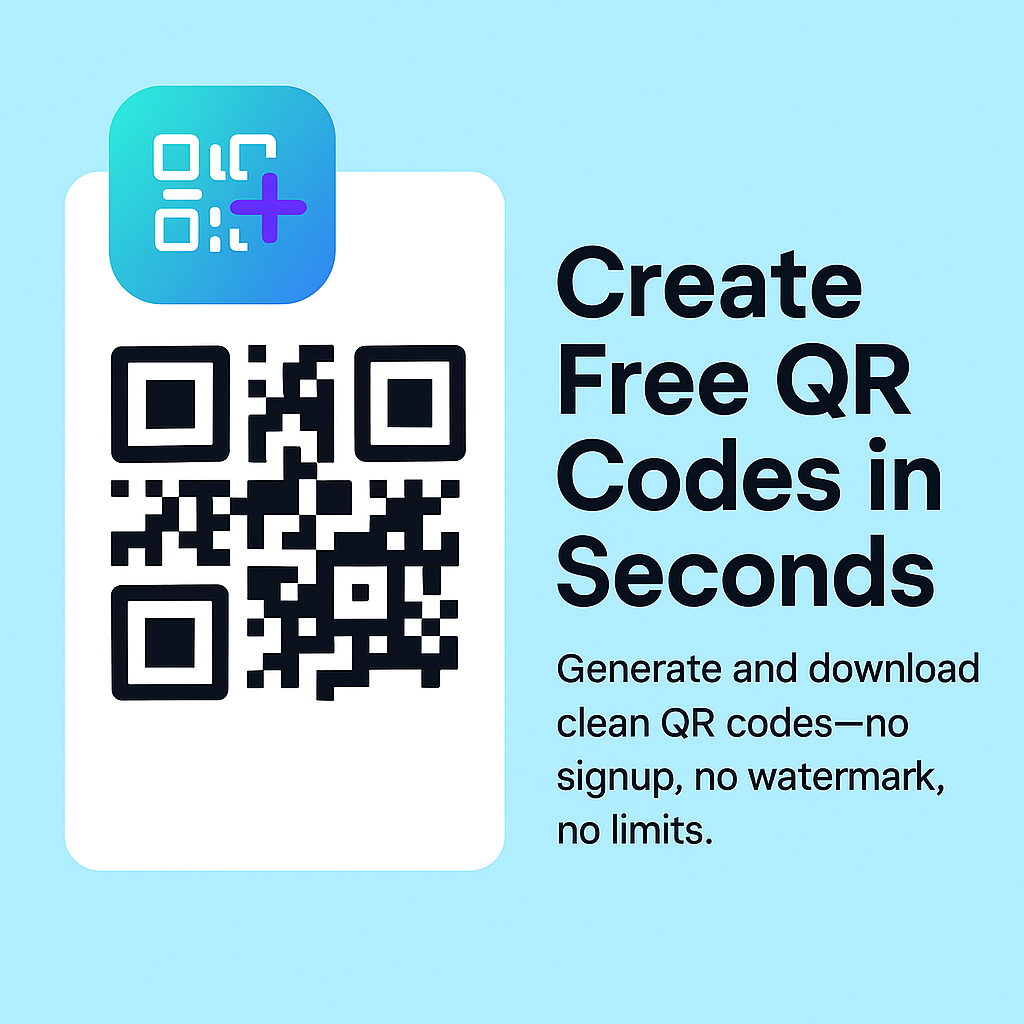
Learn how to make QR codes that actually scan, print, and convert
Practical, original guides written for real business use, not filler content.
Start with the most-used QR code tools
These are the fastest ways to get results for your business.
Popular guides that help you make QR codes that actually work
Browse by business type or local market
Industry-specific and city-specific QR code guidance for real businesses.
By industry
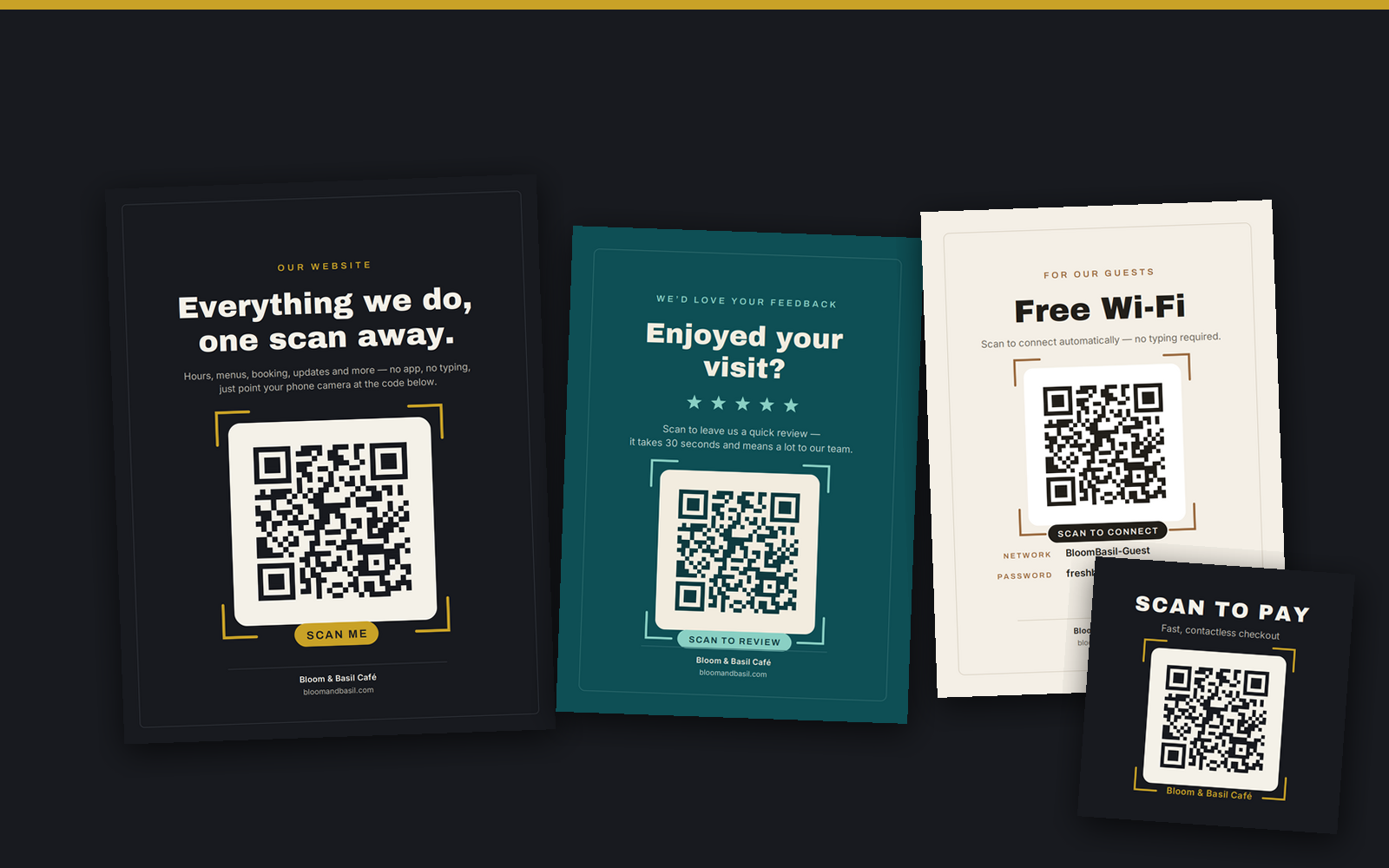
Print-Ready QR Design Pack
Simple QR-friendly designs for menus, flyers, signs, labels, business cards, and small business materials.
- Secure checkout with Stripe
- Instant download after purchase
- Quiet-zone friendly layouts
- Great for restaurants, retail, events, and local marketing
Common questions about QR codes
Are QR codes free to create?
Yes. FreeQRHub lets you generate and download QR codes without signup or watermark. The core generator is completely free.
Do QR codes expire?
Standard QR codes do not expire on their own. They continue working as long as the destination URL or content remains active.
Should I use PNG or SVG?
Use PNG for quick everyday use. Use SVG for print, signage, menus, packaging, and larger formats. SVG scales without blurring.
Can I use QR codes for Google reviews?
Yes. A Google review QR code makes it easy for customers to reach your review page in one scan. Works great on receipts, signs, and cards.
Is my data private?
Yes. QR generation happens entirely inside your browser. Your URLs, WiFi passwords, and contact details are never sent to our servers.
Can I add a logo to a QR code?
Yes. Use High or Max error correction, keep the logo small (under 30% of the code area), and always test the scan before printing.