About FreeQRHub Built for clean, reliable QR codes
FreeQRHub was built to make QR code generation simple, fast, and practical. No signup, no watermark, no clutter, just a clean tool that helps people create QR codes that look good and actually scan.
Why FreeQRHub exists
FreeQRHub was created to remove friction from QR code generation. A lot of tools are overloaded, gated behind signup screens, or add watermarks unless you pay. This project takes the opposite approach: make it fast, useful, and easy to trust.
That means browser-only generation, clean downloads, practical customization, and guidance that helps people use QR codes well in print, signage, menus, events, packaging, and everyday business workflows.
What makes FreeQRHub different?
Privacy first
QR codes are generated on your device in the browser. Your content is not uploaded as part of the generation process.
Free forever
No accounts, no subscriptions for the core tool, and no watermark added to your QR exports.
Pro output
Export SVG for print, PNG for screens, and customize colors, shapes, eyes, and logo overlays for branding.
Useful beyond the tool
The site also includes practical guides for print sizing, scanability, safety, accessibility, and real-world use cases.
Who’s behind it?

FreeQRHub is created and maintained by Ben Treder, a designer-developer focused on useful, fast, privacy-respecting web tools.
More at BenTreder.com and ChronicHacker.com.
Popular ways people use FreeQRHub
Milestones
- 2025: Public launch with PNG and SVG export, custom colors, shapes, finder-eye styles, and logo overlays.
- 2025: PWA support added for installable app-like use.
- 2026: Site-wide refresh focused on stronger SEO, better UX, and more practical QR guidance.
Support & feedback
The best way to support FreeQRHub is to share it with businesses, creators, schools, events, and anyone who needs a clean QR tool.
- Email: hello@freeqrhub.com
- Install the app: /install
- Read the blog: /blog/
FAQ
Do you store what I type?
No. QR generation happens in your browser and your content is not uploaded as part of the process.
Can I use FreeQRHub for business?
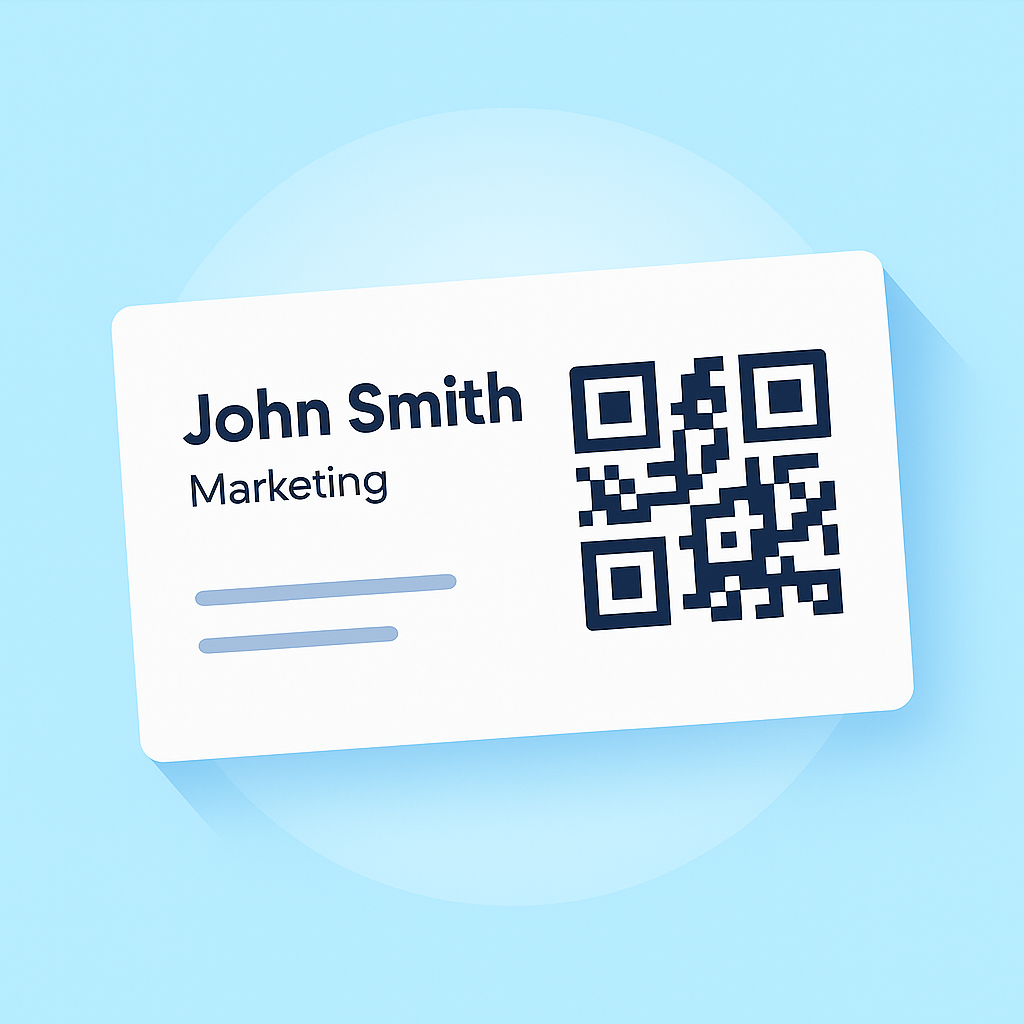
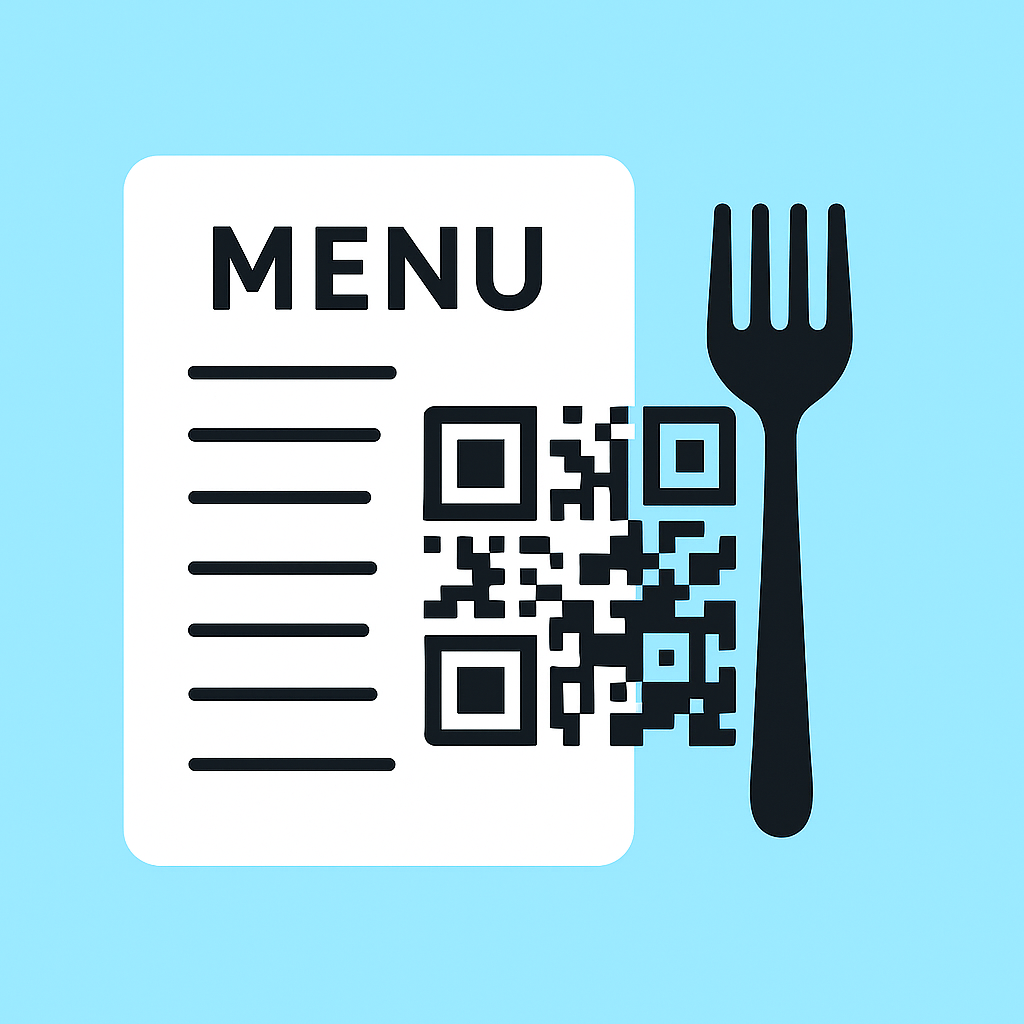
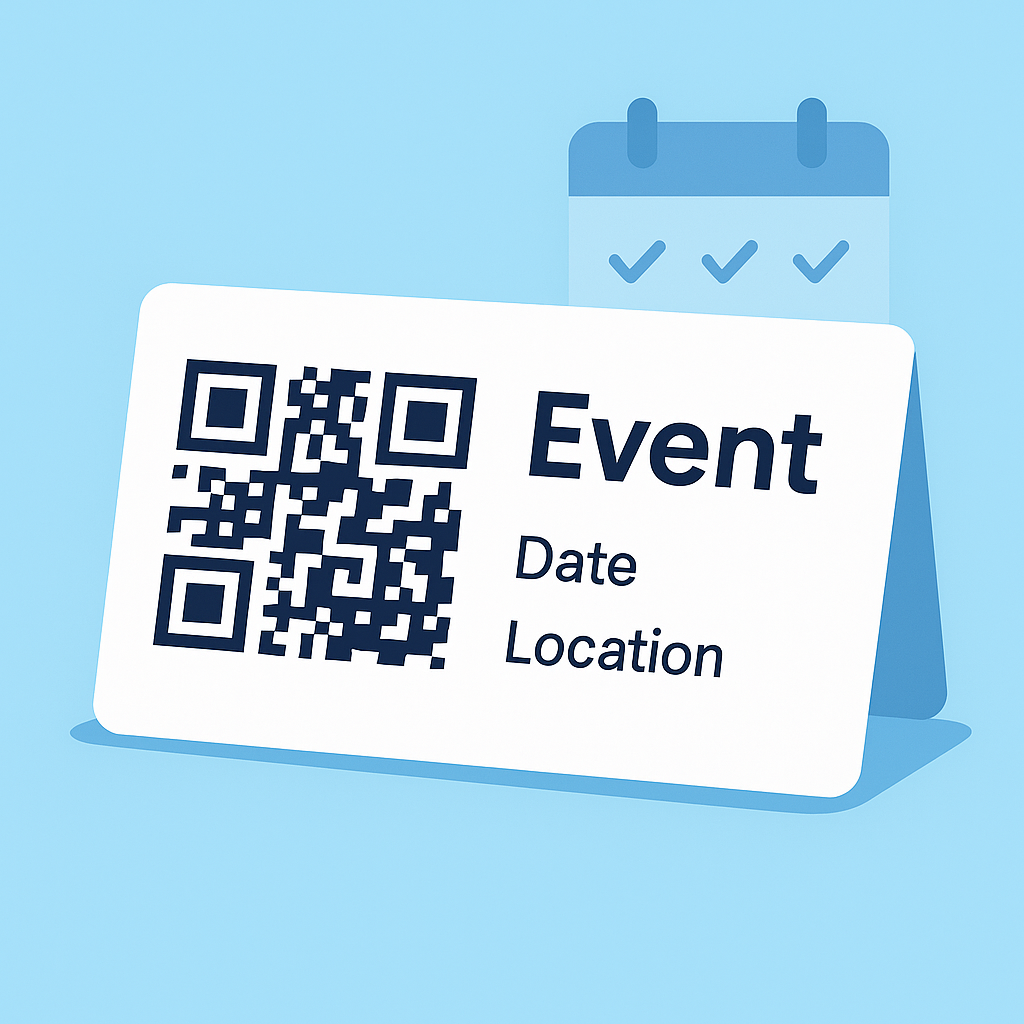
Yes. It works well for menus, business cards, signage, events, packaging, and other commercial uses.
Which format should I download?
Use SVG for print and signage. Use PNG for websites, documents, and quick sharing.